On this page, you will find the official link to download HTC Desire 620G Stock Firmware ROM (flash file) on your Computer. Firmware comes in a zip package, which contains Flash File, Flash Tool, USB Driver and How-to Flash Manual.
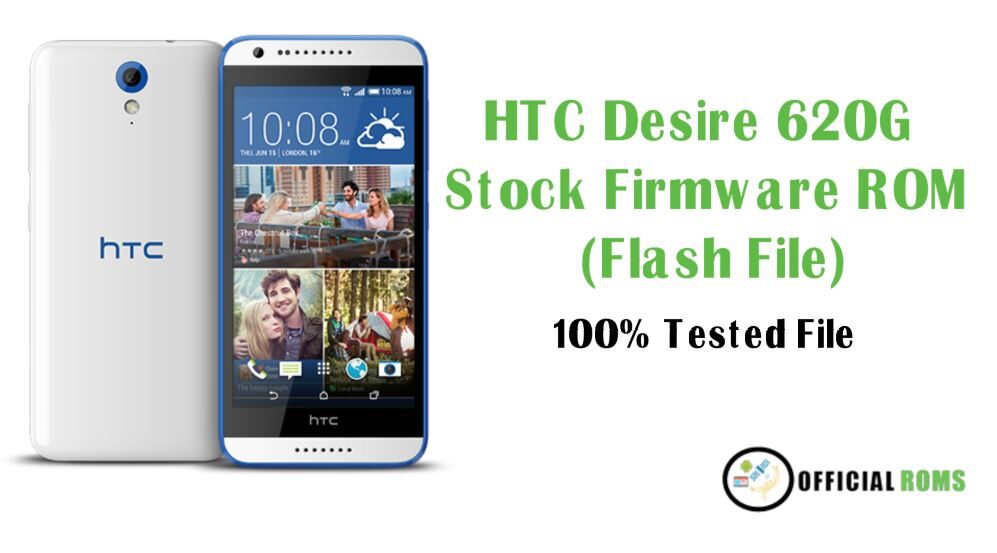
| Name | Download Link |
|---|---|
| HTC_Desire_620G_MT6592_A31MG_DUG_K44_SENSE53_Asia_India_1.12.720.001 | MediaFire |
| HTC_Desire_620G_Dual_SIM_MT6592_14092015_4.4.2.zip | MediaFire |
| HTC_Desire_620G_MT6592_Tested.zip | MediaFire |
How to Flash
- Download the correct firmware or flash file for your specific HTC Desire 620G Smart model and version.
- Download and install the SP Flash Tool on your computer.
- Connect your HTC Desire 620G to your computer using a USB cable.
- Open the SP Flash Tool and load the firmware file.
- In the SP Flash Tool, select the options to “download” or “upgrade” and “firmware” or “ROM”.
- Now Press The Start Button than Flashing Process Started
- The flashing process may take a few minutes.
- Now after Few Minutes SP Tool Showing Message indicating That the Firmware has been Successfully Done
Readme Once:
Take a Backup: If you are going to flash the above Firmware on your HTC Desire 620G Flash File device, then take a backup of everything as because your personal data will be deleted after flashing the stock firmware.
The firmware shared on this page is officially released by the company and helps you to recovery your device if you ever got bootloop, software error, update error, hanging and dead issue.
- HTC Desire D626ph Flash File Free Download
- Troy Baker desires to voice Daredevil in a Marvel Video Game
- HTC Sync Manager Download Backup And Storage it in Pc
- Xiaomi Redmi Go Stock Firmware (flash file)
- Redmi 8 Miui 12 Flash File Firmware (Stock ROM)