On this page, you will find the official link to download Vivo Y11 Stock Firmware ROM (flash file) on your Computer. Firmware comes in a zip package, which contains Flash File, Flash Tool, USB Driver and How-to Flash Manual.
Download Vivo Y11 official stock rom from the link below and follow the instructions after download link to learn how to flash.
The firmware is a card brush package. Which means it can only be flashed from your phone’s storage.
If you don’t know how to flash or install the firmware from your sdcard, after downloading the firmware from the link below scroll down to find flashing instructions.
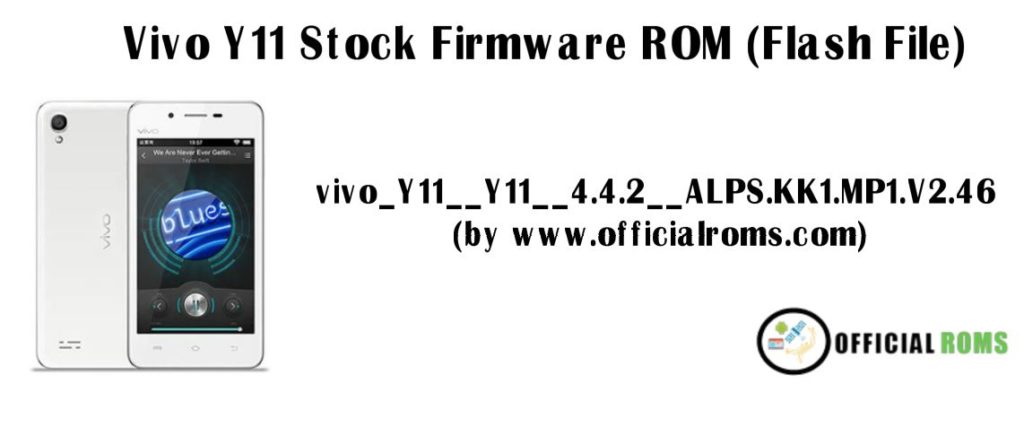
Download Vivo Y11 Stock Firmware (flash file)
| PD1930F_EX_A_6.71.5 (Latest) |
| PD1930F_EX_A_6.71.3 |
| PD1930F_EX_A_6.71.2 |
| PD1930F_EX_A_6.8.51 |
| PD1930F_EX_A_1.70.10 |
| Vivo_Y11_ALPS.JB.TDD.MP.V1.1_4.1.2.zip |
How to Flash Vivo Y11:
- Download Vivo Y11 PD1930F Flash File
- Run QPST Tool.
- Install Qualcomm Driver and run QPST Tool again.
- Add New Port (Check Device Manager).
- Click Load XML and navigate to rawprogram_unsparse.xml in the Stock ROM file folder.
- Select Patch0.xml by clicking it within that same Stock ROM folder, then Select Download in Browser of Search Path after selecting Firmware to be flashed.
Readme Once:
[*] Take a Backup: If you are going to flash the above Firmware on your Vivo Y11 device, then take a backup of everything as because your personal data will be deleted after flashing the stock firmware.
[*] The firmware shared on this page is officially released by the company and helps you to recovery your device if you ever got bootloop, software error, update error, hanging and dead issue.