If you’re searching for reliable solutions to bypass iCloud locks on older iPhones, tools like LU A5 Bypass and A6 Hello Bypass have gained significant attention. These tools are widely used for bypassing activation locks on specific Apple chipsets, especially A5 and A6 devices.
Table of Contents
In this guide, we’ll explain everything you need to know about LU A5 Bypass and A6 Hello Bypass, including features, compatibility, download process, and important precautions.
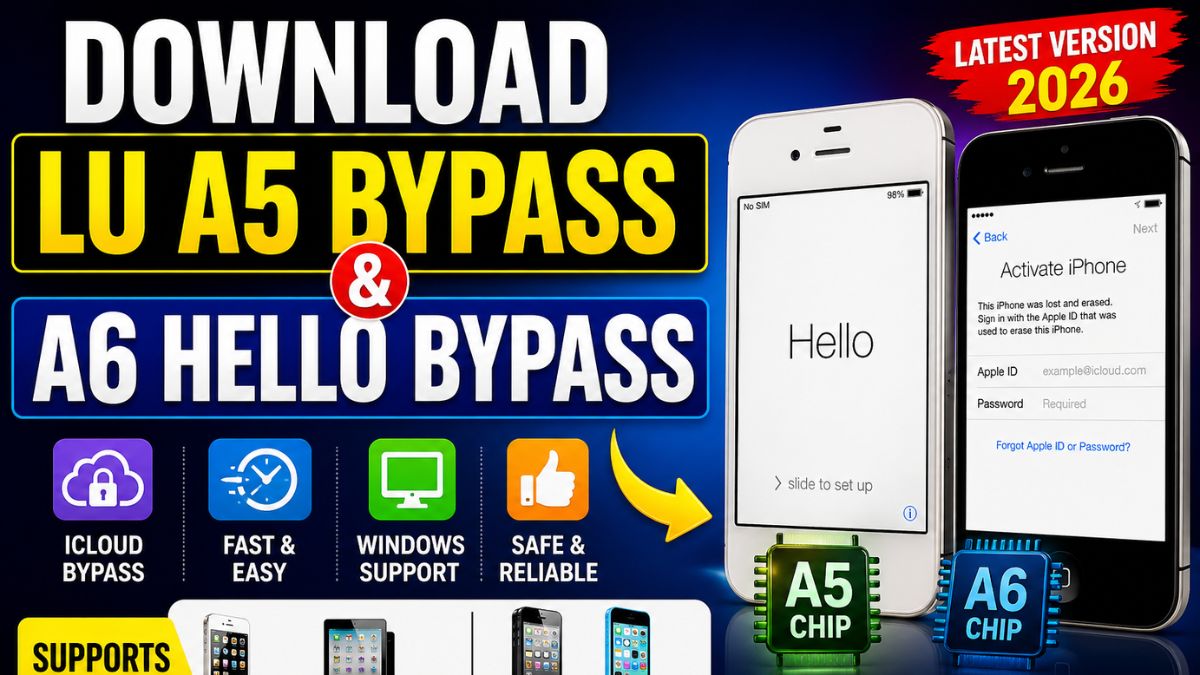
Download LU A5 Bypass & A6 Hello Bypass
If you want to get started, you can download both tools from trusted sources. Always make sure you are using the latest version for better compatibility and performance.
LU A5 Bypass Download
- Tool Name: LU A5 Bypass
- Supported Devices: iPhone 4S, iPad 2, iPad Mini 1
- Platform: Windows
- File Size: Lightweight
A6 Hello Bypass Download
- Tool Name: A6 Hello Bypass
- Supported Devices: iPhone 5, iPhone 5C
- Platform: Windows
- File Size: Small
⚠️ Important:
- Always scan files before use
- Use only trusted websites
- Avoid modified or suspicious versions
What is LU A5 Bypass?
LU A5 Bypass is a specialized tool designed for Apple devices powered by the A5 chipset such as iPhone 4S and iPad 2. It helps users access their device when stuck on the iCloud activation screen.
Features
- Supports A5 devices
- Easy to use interface
- Fast processing
- Useful for testing & repair
What is A6 Hello Bypass?
A6 Hello Bypass is used for bypassing the activation “Hello Screen” on A6 devices like iPhone 5 and 5C.
Features
- Supports A6 chipset
- Lightweight tool
- Beginner-friendly
- Quick bypass process
Read me: Unlocking: A Guide to HFZ Activator A12 Premium v1 for Windows
LU A5 Bypass vs A6 Hello Bypass
| Feature | LU A5 Bypass | A6 Hello Bypass |
|---|---|---|
| Chipset | A5 | A6 |
| Devices | iPhone 4S, iPad | iPhone 5, 5C |
| Function | iCloud Bypass | Hello Screen Bypass |
| Difficulty | Easy | Easy |
How to Use LU A5 Bypass
- Download the tool
- Install on your PC
- Connect your device
- Enter DFU mode
- Run bypass process
How to Use A6 Hello Bypass
- Install tool on Windows
- Connect A6 device
- Put device into DFU mode
- Start bypass
- Wait for completion
Important Notes
- Use only on devices you own
- Some features may not work after bypass
- Data loss may occur
- Not supported on newer devices
Advantages
- Quick access solution
- No Apple ID required (limited cases)
- Easy to use
- Helpful for technicians
Disadvantages
- Limited functionality
- No official support
- Possible errors
- No SIM support in many cases
Read me: JBB021B1 Flash File 2025: How to Flash Jio Bharat B1 Easily
FAQ – LU A5 Bypass & A6 Hello Bypass
What is LU A5 Bypass?
LU A5 Bypass is a tool used to bypass iCloud lock on A5 devices like iPhone 4S.
What is A6 Hello Bypass?
It is a tool to bypass the activation screen on A6 devices like iPhone 5.
Is LU A5 Bypass safe?
Yes, if used properly and from trusted sources.
Does A6 Hello Bypass fully unlock iCloud?
No, it usually provides limited access.
Can I use these on new iPhones?
No, these tools support only older devices.
Conclusion
LU A5 Bypass and A6 Hello Bypass are useful tools for accessing older locked Apple devices. While they are easy to use and effective, users should understand their limitations and always use them responsibly.