The MTK GSM Sulteng Tool has emerged as one of the most efficient and reliable utilities for handling MediaTek (MTK) Android devices. Whether you’re a mobile technician or an advanced Android user, this tool can save time and effort by simplifying complex operations such as FRP bypass, bootloop fixes, factory resets, and bootloader unlocks.
Let’s explore the features, functions, and benefits of MTK GSM Sulteng Tool v1.4.1, along with installation instructions and an FAQ to help you get started.
Table of Contents
What is MTK GSM Sulteng Tool?
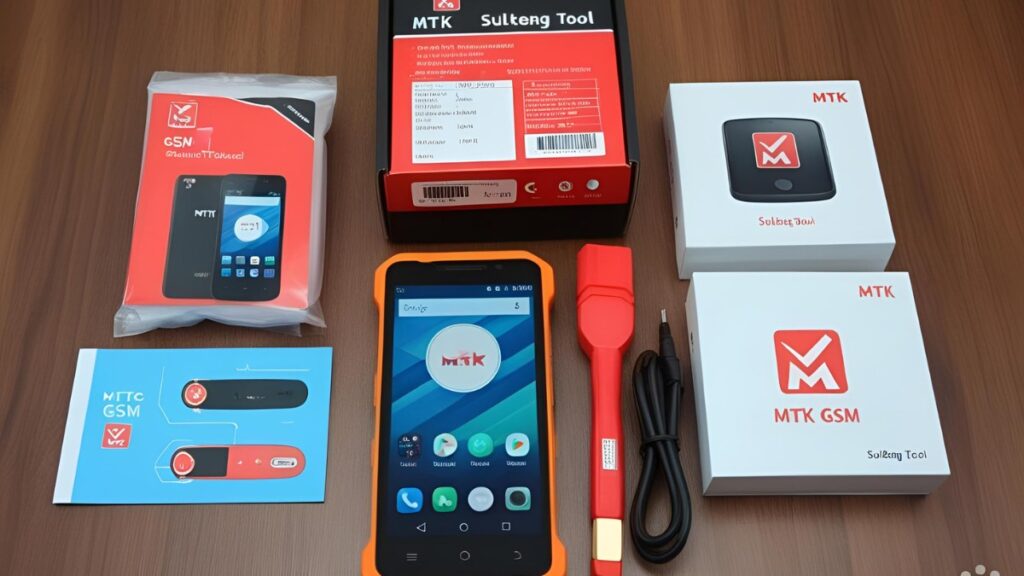
The MTK GSM Sulteng Tool is a free utility software designed specifically for devices powered by MediaTek chipsets. It allows users to perform various servicing and repair operations, including:
- Bypassing Factory Reset Protection (FRP)
- Performing safe formats and factory resets
- Unlocking or relocking bootloaders
- Rebuilding corrupted userdata
- Fixing bootloop issues
- Removing Mi Account and other security locks
It supports a wide range of smartphone brands like Xiaomi, Realme, Oppo, Vivo, Samsung, and more — provided the devices are built on MTK platforms.
Key Features of MTK GSM Sulteng Tool v1.4.1
Here are some of the most powerful features expected or included in v1.4.1:
✅ Model-Specific Functions
- Safe Format – Securely formats the device without deleting critical partitions.
- Erase FRP – Bypasses Google FRP lock on MTK devices.
- Factory Reset – Performs a clean wipe of the device.
- Fix Bootloop – Repairs boot failures caused by system corruption.
✅ Universal Functions
- Rebuild Userdata – Useful when a device is stuck due to corrupted userdata.
- Reset Mi Cloud – Removes Mi Account from Xiaomi devices.
- Unlock Bootloader – Opens up the bootloader for custom ROM flashing.
- Relock Bootloader – Restores the bootloader to its original state.
- Disable Auth Flash – Allows flashing firmware without requiring auth files.
✅ Compatibility
- Chipset Support: All major MediaTek chipsets
- Brand Support: Oppo, Realme, Vivo, Xiaomi, Samsung, Infinix, Tecno, etc.
System Requirements
- Operating System: Windows 7/8/10/11 (64-bit recommended)
- .NET Framework: 4.0 or above
- MTK USB Drivers: Must be installed
- Processor: Intel or AMD (dual-core or higher)
- RAM: Minimum 2 GB (4 GB recommended)
How to Download and Install MTK GSM Sulteng Tool v1.4.1
| File Name | MTK GSM Sulteng Tool v1.4.1 |
|---|---|
| File Size | 25 MB |
| File Type | Free |
| Password | No password |
Installation Steps:
- Download and extract the zip file.
- Install required MTK USB Drivers (included in the zip).
- Run the executable file as administrator.
- Login using your credentials.
- Connect your device in BROM Mode and begin operations.
FAQ About MTK GSM Sulteng Tool v1.4.1
Q1. Is the MTK GSM Sulteng Tool v1.4.1 safe to use?
Yes, if downloaded from a trusted source like officialroms or any other site. Always scan tools before use.
Q2. Do I need an internet connection to use it?
No, most functions work offline. Only license validation may need internet access periodically.
Q3. Will this tool work on Qualcomm devices?
No, this tool is strictly for MediaTek (MTK) devices.
Q4. Is it free or paid?
The tool is 100% free. No subscription is required.
Q5. Does it support the latest Android 13 or 14?
Yes, support for new Android versions depends on the device model and security patch, but basic functions like FRP bypass and safe format often work.
Q6. My device is not detected. What should I do?
- Make sure MTK USB drivers are installed.
- Boot the device into BROM mode (power off > hold volume down/up + insert USB cable).
- Use a different USB port or cable.
Q7. Can it remove Mi Account or FRP on locked Xiaomi devices?
Yes, it includes functions for Mi Account reset and FRP bypass on many Xiaomi models with MTK chips.
Conclusion
The MTK GSM Sulteng Tool v1.4.1 (based on v1.4.0 features) is a must-have for technicians, mobile repair professionals, and even advanced users who want full control over their MTK-powered Android devices. It’s lightweight, easy to use, and incredibly powerful.
With model-specific and universal functions packed into one interface, this tool can potentially save hours of manual work and make device servicing seamless.