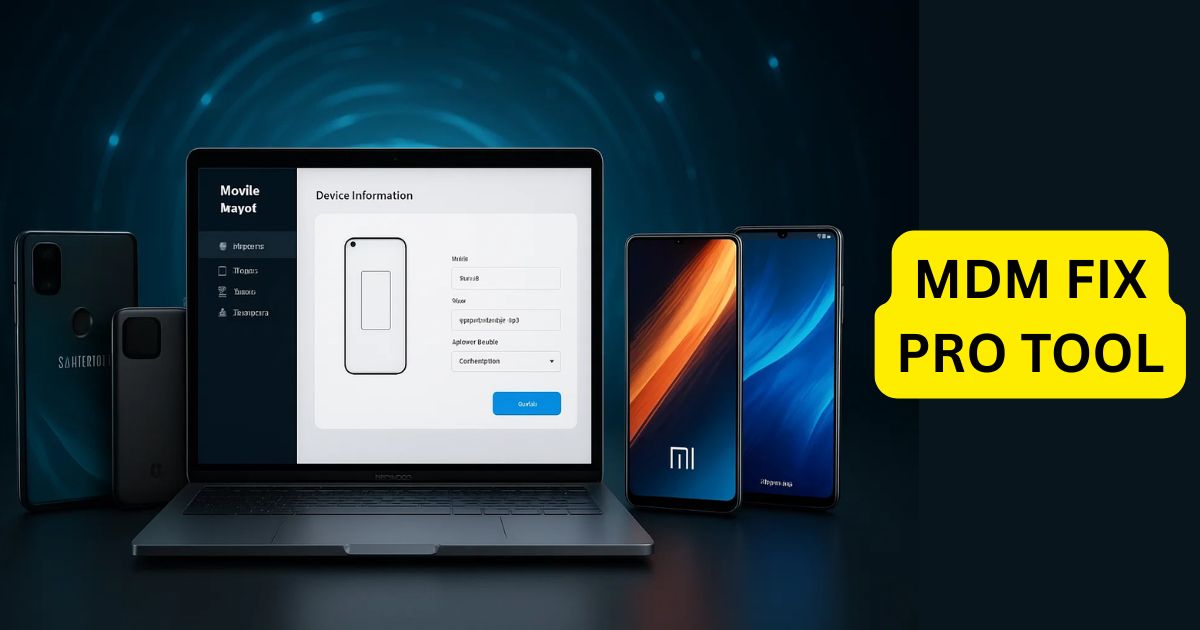
In the world of Android devices, many users encounter frustrating issues like MDM (Mobile Device Management) locks, black screen problems, or device restrictions. Whether you’re an IT administrator managing a fleet of devices or an individual looking to bypass security features, the KG Fix Tool is a powerful solution to unlock and manage your Android device. This guide walks you through the process of using the KG Fix Tool to unlock MDM locks and other security restrictions on Android devices, ensuring you regain full control.
Table of Contents
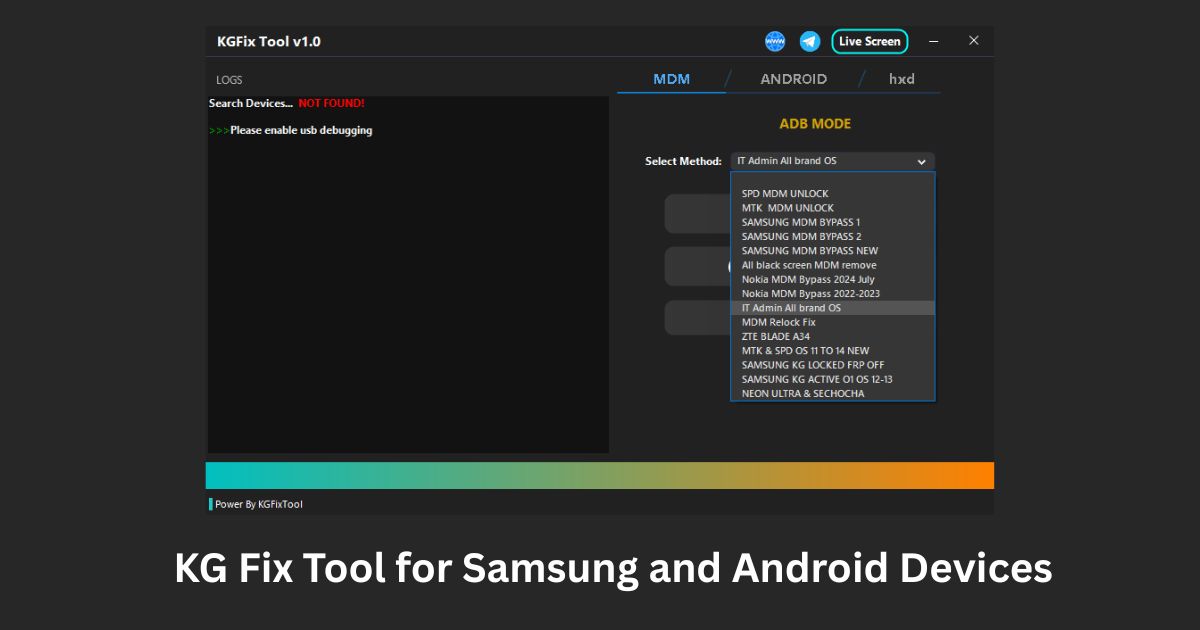
What is the KG Fix Tool?
The KG Fix Tool is an Android unlocking software that helps users bypass various security features such as MDM locks, black screen issues, factory reset protection, and more. It supports devices from brands like Tecno, Infinix, Itel, ZTE, Neon Ray, Nokia, and others, using ADB (Android Debug Bridge) to unlock or fix devices. The KG Fix Tool is widely used by IT administrators and technicians to manage devices and ensure they are free from unnecessary security restrictions.
Key Features of the KG Fix Tool
- Unlock MDM Locks: The KG Fix Tool can unlock MDM locks on various Android devices, allowing users to regain full access.
- Disable OTA Updates: Prevent your device from automatically receiving updates that could re-enable the MDM lock or other restrictions.
- Anti-Relock Protection: Once unlocked, the tool ensures that the MDM lock doesn’t get reactivated.
- Samsung KG Unlock: It can unlock Samsung KG (Knox Guard), a feature commonly used on Samsung devices.
- Factory Reset Protection: Disable factory resets to ensure your device remains unlocked.
- Automatic Data Edits: The tool automatically edits miscdata and proinfo to improve device performance.
Download KG Fix Tool Latest Version
| Attribute | Details |
|---|---|
| Version | V1.0 |
| Release Date | 05-03-2025 |
| File Size | 51.2 MB |
| Architecture | Windows 7 / 8 / 8.1 / 10 / 11 |
| Platform | 32x / 64x |
| File Type | WinRAR Compressed |
| Password | 2025 |
How to Use the KG Fix Tool: A Step-by-Step Guide
Using the KG Fix Tool is straightforward. Follow the steps below to unlock your device and bypass security restrictions:
1. Download and Install the KG Fix Tool
- Visit a reliable source to download the KG Fix Tool.
- Follow the installation instructions provided on the site to install the software on your computer.
2. Enable Developer Options and USB Debugging on Your Android Device
- Go to Settings > About Phone on your Android device and tap Build Number several times to enable Developer Options.
- In the Developer Options, turn on USB Debugging to allow the KG Fix Tool to communicate with your device.
3. Connect Your Device to the Computer
- Use a USB cable to connect your Android device to the computer.
- Confirm that the device is connected by checking for the USB Debugging prompt on your phone.
4. Launch the KG Fix Tool
- Open the KG Fix Tool on your computer.
- The tool should automatically detect your connected device. If prompted, follow the on-screen instructions to proceed.
5. Select the Unlocking Operation
- Choose the desired operation, such as unlocking MDM, disabling OTA updates, or unlocking Samsung KG.
- The tool also provides options to disable factory reset protection and edit device data (miscdata or proinfo).
6. Begin the Unlocking Process
- After selecting the appropriate option, click to start the unlocking process. The KG Fix Tool will use ADB commands to unlock the device or disable security features.
- Wait for the process to finish—this may take a few minutes.
7. Restart Your Device
- Once the process is complete, restart your device to apply the changes.
- Your Android device should now be unlocked, with the MDM lock, black screen issues, or other security restrictions successfully bypassed.
8. Confirm Unlocking
- Check your device to confirm that the MDM lock or other security features have been removed.
- Your device should now have full access without any limitations.
FAQ About the KG Fix Tool
Is the KG Fix Tool free to use?
Yes, the KG Fix Tool is completely free to use, with no credits required for the core functions like unlocking MDM locks and disabling OTA updates.
Can I use the KG Fix Tool on all Android devices?
The tool supports a variety of Android devices, including those from brands like Tecno, Infinix, ZTE, Nokia, and others. However, it’s always a good idea to check compatibility before use.
Does using the KG Fix Tool void my warranty?
Yes, using third-party unlocking tools such as the KG Fix Tool can void your device warranty. Use the tool with caution and make sure you understand the potential risks.
Is the KG Fix Tool safe to use?
While the KG Fix Tool is generally safe, always back up your data before making any changes to your device. It’s important to follow the instructions carefully to avoid potential data loss.
How do I ensure my device is compatible with the KG Fix Tool?
Before using the tool, check the official website or documentation to ensure your Android device is supported. Devices from brands like Samsung, Tecno, Infinix, and ZTE are typically compatible.
Conclusion
The KG Fix Tool is an excellent solution for anyone looking to bypass MDM locks, disable OTA updates, or unlock Samsung KG security on Android devices. By following the simple steps outlined in this guide, you can easily regain control over your Android device and customize its settings as needed. Always be cautious when using third-party unlocking tools, and make sure to back up your data before starting the process.