You can get the latest flash file for the Redmi 14C 5G for free at officialroms.com. This file helps fix problems like your phone being stuck on the logo or not working at all. Always use the newest version for the best results. Make sure to read all the instructions carefully before starting.
Table of Contents
Why Flash the Redmi 14C ?
You might need to flash your Redmi 14C for a few reasons:
- Fixing Problems: If your phone won’t start or keeps crashing, flashing can help.
- Fixing a Broken Phone: If your phone is completely unresponsive (we call that “bricked”), flashing can make it work again.
- Getting New Features: Flashing helps you install the latest software so your phone runs better.
- Removing Unwanted Apps: You can get rid of apps you don’t want, making your phone faster.
- Accessing Your Account: If you forgot your Mi account info, flashing can help you get back in.
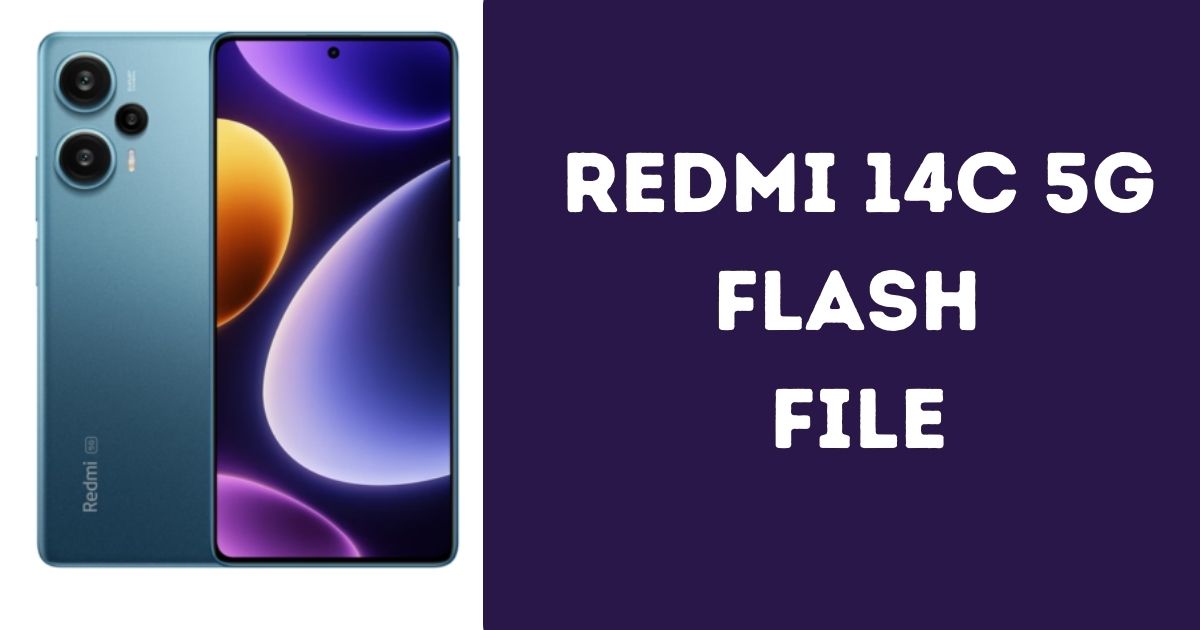
About Redmi 14C 5G
The Redmi 14C 5G has a strong processor called Qualcomm SM4450 Snapdragon 4 Gen 2. It comes with different RAM options 4GB, 6GB, or 8GB. It has a big battery (5160mAh) that charges quickly. The phone runs on HyperOS, based on Android 14, and has storage options of 128GB or 256GB, but you can’t add more storage with a card.
Download Redmi 14C 5G Flash File
Password: officialroms
How to Flash Your Redmi 14C 5G
Flashing your Redmi 14C is easy if you follow these steps:
- Download the Files: Get the flash file and the Xiaomi Flash Tool from trusted websites.
- Unzip the Files: Open the downloaded files to see what’s inside.
- Move to Desktop: Put the flash file folder on your desktop for easy access.
- Open the Tool: Start the Xiaomi Flash Tool and select the right flash file.
- Connect to PC: Connect your Redmi phone to the computer.
Disclaimer:
Flashing your device can void its warranty and may cause irreversible damage if not done correctly. Proceed at your own risk, and make sure to back up all important data beforehand. The author and website are not responsible for any damages or data loss that may occur during this process. If you encounter any issues or errors while flashing, feel free to reach out for assistance. Additionally, you can join our Telegram channel for support and connect with our group for more help and tips!
Read Also: