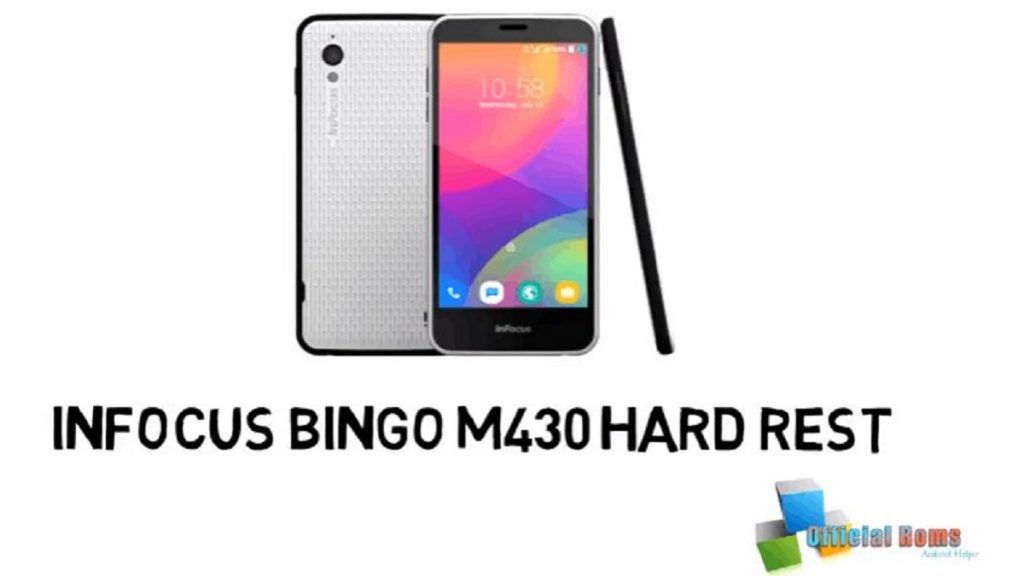
InFocus Bingo M430 hard reset: Here are two methods for resetting mobile phone Infocus Bingo 21 M430 Before continuing with the reset, make sure you took a backup of your mobile data, particularly phone memory contacts and the gallery.
Method 1 :
- Switch off the Infocus Bingo 21 M430 and wait until your smartphone is shut down completely
- Press the Power button and Restore Volume button for a few seconds before you note the Recovery screen
- Use the Volume Down button to navigate between the ‘Wipe Data / Factory Reset’ options
- To select ‘Wipe Data / Factory Reset’ press the Power button
- Use the Down Volume button to navigate between the options to mark ‘Yes – Delete all data’
- To pick ‘Yes – Delete all info’ click the Power button.
- The phone will start formatting in the background, using the Android robot logo
- To select ‘Reboot System Now’ press the Power button
- The phone will reboot with clean data in just a few minutes and is ready to use
ReadMe: Download MTK SP Multi Port Download Tool (all versions)
InFocus Bingo M430 hard reset Easy Method
File Name: Infocus_M430_HGO_1130_0_00WW_A02.zip
File Size: 1 GB
- Infocus A3 IF9007 Stock Firmware ROM (Flash File)
- Infocus A3 IF9007 FRP Unlock Solution 2024
- Bingo Clash codes (NEW) – Coupon codes 2024
- Bingo Blitz Free Credits: Latest Credits (2024)
- Blackout Bingo Promo Codes Experience (2024)

