I KALL K210 Flash File Firmware, and Stock ROM are all available for free download (by the name you know). Firmware Flash File (Stock ROM) Hang-on Android logo, bootloop issue, dead issue, auto fastboot mode, and recovery mode are all examples of software problems that may be fixed using these modes. To install Flash files, you’ll need a Windows PC, a Flash tool, a driver, and a USB data cord.
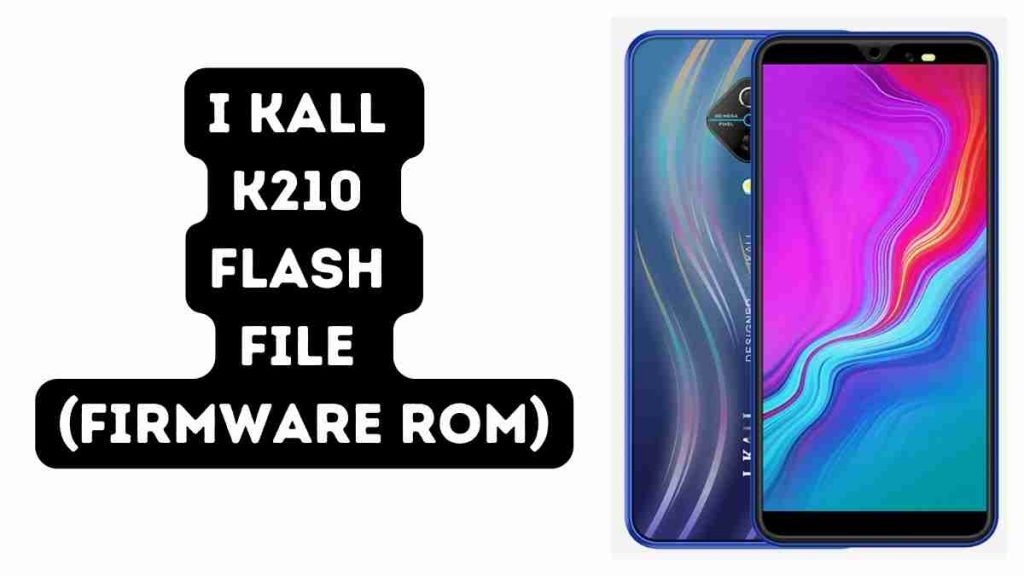
Download I KALL K210 Flash File (Firmware ROM)
Password: K210officialroms.com
How to Flash I KALL K210:
Install SPD Driver
1. Download the package and Extract Flash Tool.
2. Once you have the icon, Double click SPD Research Tool.exe & Upgrade Tool.
3. It will launch the program on your PC.
4. Click on the load packed button and select the Firmware that has an extension of .pac at the end.
5. Click on the Downloading button located in the third spot.
6. Switch off your mobile phone and connect it to the PC with the volume down button.
7. It will guide you to a successful flashing.
Read Also: