In the Apple ecosystem, one of the most frustrating problems for users is being locked out of a device due to iCloud Activation Lock. Whether you’ve purchased a second-hand iPhone or have forgotten your Apple ID credentials, this lock can render your device nearly useless. Fortunately, the LU Wi-Fi Tool offers a practical and reliable solution for bypassing this barrier, especially for devices that are Wi-Fi only or unable to use SIM cards.
Let’s take a closer look at what the LU Wi-Fi Tool is, how it works, and why it’s becoming increasingly popular among both casual users and professional technicians.
Table of Contents
What is the LU Wi-Fi Tool?
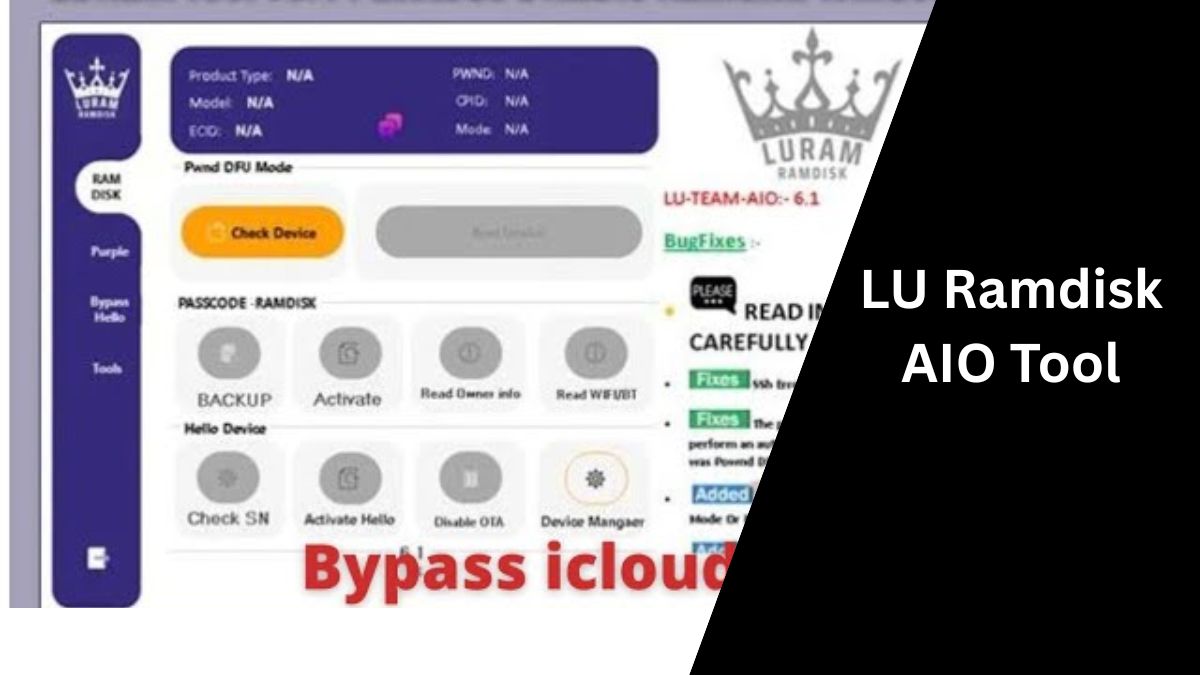
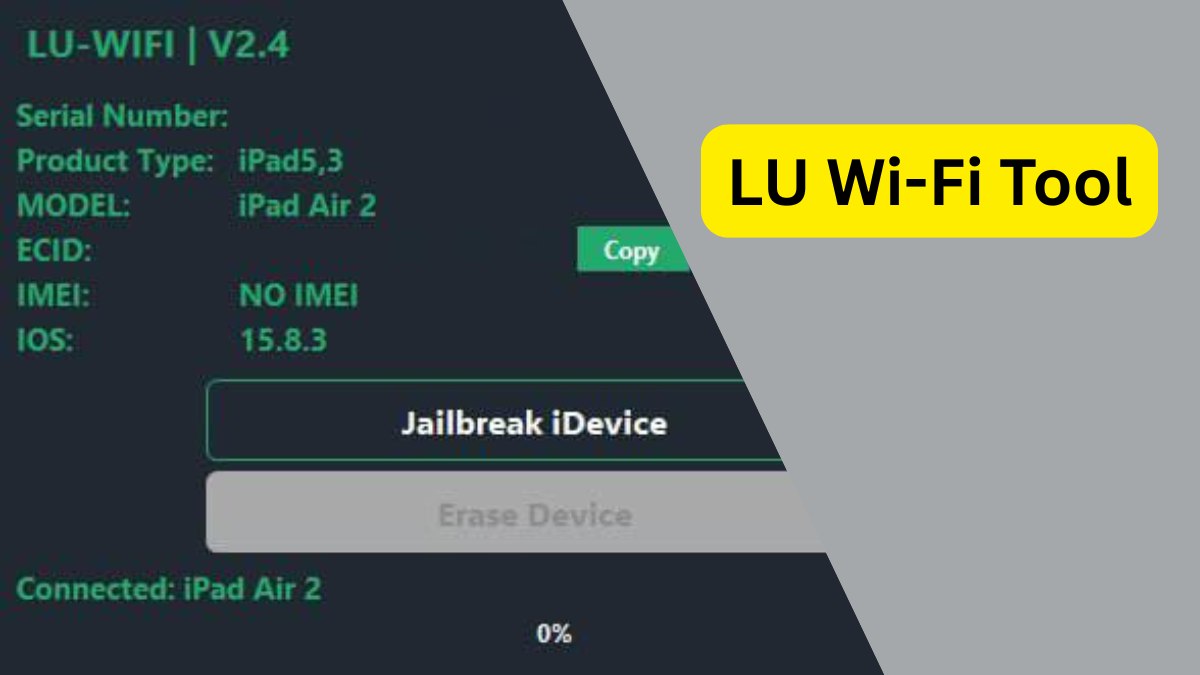
The LU Wi-Fi Tool is a Windows-based software application developed to bypass iCloud Activation Lock on iPhones and iPads that are stuck on the activation screen. Specifically tailored for Wi-Fi-only access, this tool does not unlock SIM functionality but enables users to access essential features via Wi-Fi, including Apple services such as iMessage, FaceTime, and the App Store.
The tool supports a wide range of iOS devices and is particularly effective on those running iOS 15 through iOS 17.5. Whether you’re dealing with a device from a repair shop, a second-hand purchase, or a forgotten account, this tool can help revive your device by providing functional Wi-Fi access.
Key Features of LU Wi-Fi Tool
The LU Wi-Fi Tool comes packed with several powerful and user-friendly features:
1. iCloud Bypass Over Wi-Fi
This is the main function of the LU Tool. It allows you to skip the iCloud login screen and access the device using Wi-Fi, even if you don’t have the original Apple ID and password.
2. Untethered Bypass
Once the device is bypassed using this tool, you don’t need to reapply the process every time it restarts. The bypass remains intact, making it a truly untethered solution.
3. Apple Services Support
Even after the bypass, users can access core Apple services like:
- iMessage
- FaceTime
- Siri
- App Store
- iCloud account sign-in (with limitations)
This makes the device fully usable for many practical purposes.
4. Compatible with a Wide Range of Devices
The LU Wi-Fi Tool supports numerous iPhone and iPad models. From older devices to newer iOS versions (up to 17.5), it offers broad compatibility that many similar tools lack.
5. User-Friendly Interface
Designed with non-technical users in mind, the LU Tool is easy to install and operate. Its interface is simple and streamlined, guiding users through each step of the bypass process.
Supported Devices for LU Wi-Fi Tool
The LU Wi-Fi Tool supports a wide range of iPhones and iPads, particularly those running iOS 15 to iOS 17.5. Below is a list of confirmed supported devices:
iPhones:
- iPhone X, 8, 8 Plus
- iPhone 7, 7 Plus
- iPhone 6S, 6S Plus, SE
iPads:
- iPad Pro (various models, including 9.7, 10.5, 12.9-inch)
- iPad Air 2 (Wi-Fi/4G)
- iPad Mini 4 (Wi-Fi/4G)
- iPad 5 (2017) (Wi-Fi/4G)
- iPad 6 (2018) (Wi-Fi/4G)
- iPad 7 (2019) (Wi-Fi/4G)
Note:
- Devices must be on iOS 15.0 to iOS 17.5
- Only Wi-Fi functionality is restored. Cellular/SIM service will not work after bypass.
- Some newer models (iPhone 14 and 15 series) may require updated or beta support tools.
LU Wi-Fi Bypass Tool V2.7 Download
| Name | LU Wi-Fi Tool |
|---|---|
| Version | 2.7 |
| Support | iOS 18.5 |
| Size | 97 MB |
| Password | 123 |
| Buy Link | server.officialroms.com |
How Does It Work?
The LU Wi-Fi Tool operates through a USB connection between your iPhone or iPad and a Windows computer. Once connected, the software detects the device and applies a bypass procedure that unlocks access to the system via Wi-Fi.
Here’s a simplified version of the process:
- Download and install LU Wi-Fi Tool on your Windows PC.
- Connect your iOS device using a USB cable.
- Launch the tool and follow the on-screen instructions.
- Within minutes, your device should be bypassed and ready for use over Wi-Fi.
While the tool does not restore cellular network capabilities, it allows for full functionality over Wi-Fi, making it perfect for use at home, school, or work.
Who Should Use the LU Wi-Fi Tool?
This tool is ideal for:
- Technicians working in iPhone and iPad repair shops.
- Buyers of second-hand devices that are stuck at the activation screen.
- Users who lost access to their Apple ID credentials.
- Schools and businesses repurposing older iPads for Wi-Fi use only.
It’s a valuable asset for anyone looking to repurpose an otherwise locked iOS device.
Things to Keep in Mind
- Legal Responsibility: Use the LU Wi-Fi Tool only on devices you own or have permission to unlock. Bypassing iCloud without proper ownership may violate local laws.
- No SIM Support: The tool does not restore mobile network or SIM functionality. It’s Wi-Fi only.
- Windows-Only Application: Currently, LU Wi-Fi Tool is compatible only with Windows computers. Mac users will need to use a PC or dual-boot Windows.
Conclusion
The LU Wi-Fi Tool provides a smart, effective, and user-friendly solution to bypass the iCloud Activation Lock on iPhones and iPads. With broad iOS version support, access to core Apple features, and a permanent untethered bypass, it’s an excellent choice for those looking to make their locked device usable again.
Whether you’re a technician servicing multiple devices or a regular user with a locked iPhone, the LU Wi-Fi Tool is definitely worth trying. It may not restore full SIM card functionality, but it gives you access to all essential features through Wi-Fi—which, for many users, is more than enough.