The CODRAK Tool for Motorola is a versatile software designed to manage, unlock, and flash Motorola devices. It’s a popular choice among tech enthusiasts and professionals who need to perform tasks like unlocking bootloaders, bypassing security features, or flashing firmware on Motorola smartphones. In this article, we’ll provide a detailed overview of the CODRAK Tool, its functions, how to use it, and some frequently asked questions (FAQs).
Table of Contents
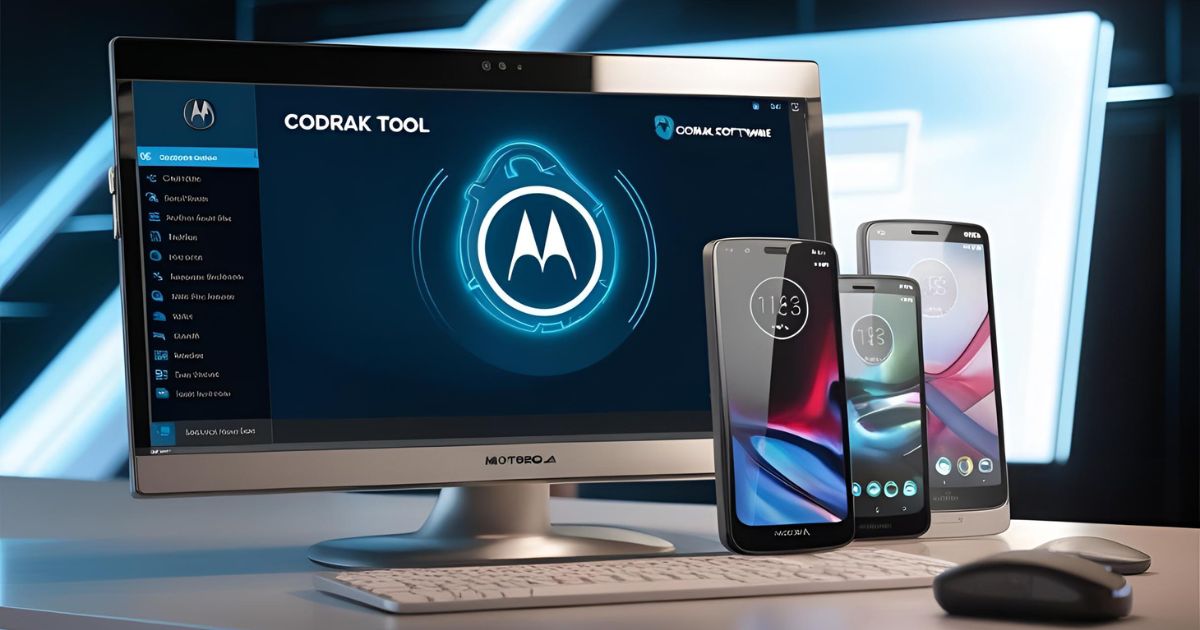
What is CODRAK Tool for Motorola?
The CODRAK Tool for Motorola is a powerful software utility that provides a range of features to manage Motorola smartphones. From flashing firmware to unlocking bootloaders, the tool offers a comprehensive set of functionalities aimed at advanced users and technicians. Whether you are looking to customize your device, bypass security measures, or fix common issues, CODRAK Tool allows you to do so efficiently and without much complexity.
It is free to download and use, and while the program is primarily aimed at experienced users, its user-friendly interface, translated into English, makes it accessible for non-native speakers as well. The tool supports various Motorola models and provides a range of options for device management.
Key Features of CODRAK Tool for Motorola
1. Fastboot Commands
One of the primary functions of CODRAK Tool is its ability to execute Fastboot commands, allowing users to interact with their Motorola device in recovery mode. This includes retrieving essential device information, unlocking the bootloader, and performing other advanced functions that are critical for customizing or fixing devices.
2. Unlock Bootloader
The tool lets you unlock the bootloader of your Motorola device using a unique key. Unlocking the bootloader is an essential step for installing custom ROMs, rooting devices, or flashing firmware. CODRAK Tool simplifies this process, enabling users to bypass the official Motorola procedure.
3. Motorola Unlock / ADB Bypass
The tool also helps in unlocking Motorola devices by automatically requesting an unlock code. Additionally, it provides an ADB bypass feature for devices from certain carriers like Claro and Telcel. This feature is especially useful for users who are stuck with carrier-specific restrictions or locked devices.
4. Motorola Flash (XMI/BAT)
CODRAK Tool supports flashing firmware on Motorola devices using XML or BAT files. This function is crucial when you need to update or restore your device’s firmware. Whether you’re upgrading to a new version of Android or recovering from a bricked device, the tool’s flashing capabilities come in handy.
5. Bank Flash
In addition to standard flashing, CODRAK Tool also supports flashing Bank Flash firmware. This is used in more specialized cases, particularly when working with partitions or trying to resolve boot issues.
6. Wipe Data
The tool provides an option to perform a full factory reset on your Motorola device, which is often necessary when dealing with issues like unresponsive software or a full system wipe before a sale or disposal.
7. Fix CommServer FRP
Factory Reset Protection (FRP) can be a hassle when trying to reset or unlock a device. CODRAK Tool offers a feature that allows users to bypass and fix FRP locks caused by CommServer software, ensuring that users can fully access their devices.
8. Firmware Browser
CODRAK Tool includes a Firmware Browser feature that lets users manage and navigate through firmware files. This can be useful for downloading the latest firmware or selecting the right files for flashing.
Download CODRAK Tool Motorola
| Name | CODRAK Tool |
| Size | 54 MB |
| Password | officialroms |
How to Use CODRAK Tool for Motorola
Using the CODRAK Tool is relatively straightforward. Here are the basic steps to get started:
1. Download and Install
- Download the CODRAK Tool from a trusted source.
- Extract the ZIP file using software like 7-Zip or WinRAR.
- If it’s a portable tool, simply run the executable file.
- If it’s an installation file, run the setup and follow the on-screen instructions.
2. Connect Your Motorola Device
- Enable Developer Options on your Motorola device.
- Turn on USB Debugging and connect the device to your PC via USB.
3. Select Desired Function
- Choose the task you want to perform (e.g., unlock bootloader, flash firmware, etc.).
- Follow the on-screen instructions provided by CODRAK Tool to execute the function.
4. Perform the Task
- Wait for the process to complete. Ensure that your device remains connected throughout.
5. Restart and Test
- Once the process is done, reboot your Motorola device and verify that the task was successful.
FAQs About CODRAK Tool for Motorola
Is CODRAK Tool compatible with all Motorola models?
CODRAK Tool is designed for a wide range of Motorola devices, but compatibility may vary depending on the model. It’s always a good idea to check if your specific Motorola device is supported before using the tool.
Is CODRAK Tool safe to use?
CODRAK Tool is generally safe when used correctly, but it’s important to follow instructions carefully. Improper use, such as flashing the wrong firmware or using incompatible files, could potentially damage your device.
Can I unbrick my Motorola device using CODRAK Tool?
Yes, you can use CODRAK Tool to flash the appropriate firmware and potentially unbrick your device if it has become unresponsive or stuck in a boot loop.
How do I unlock the bootloader using CODRAK Tool?
To unlock the bootloader, simply select the Unlock Bootloader option in the tool, and follow the on-screen instructions to input the unique key for your device.
Conclusion
The CODRAK Tool for Motorola is a powerful and efficient solution for managing, unlocking, and flashing Motorola devices. Whether you are a technician, developer, or advanced user, this tool offers a variety of features to meet your needs. With its free availability and ease of use, it’s an invaluable tool for anyone looking to perform advanced tasks on their Motorola smartphone. Always make sure to follow instructions carefully to avoid any risks and ensure a smooth experience.